
Directory Display
Directory access is configured in the admin panel.
Directories for editing
By default, directories from Git are not available in the editor app.
To let editors load and update a directory, add it in the Repositories tab.
Base directories
Base directories are loaded automatically into each editor's app after sign-in. If not set, editors must load directories manually.
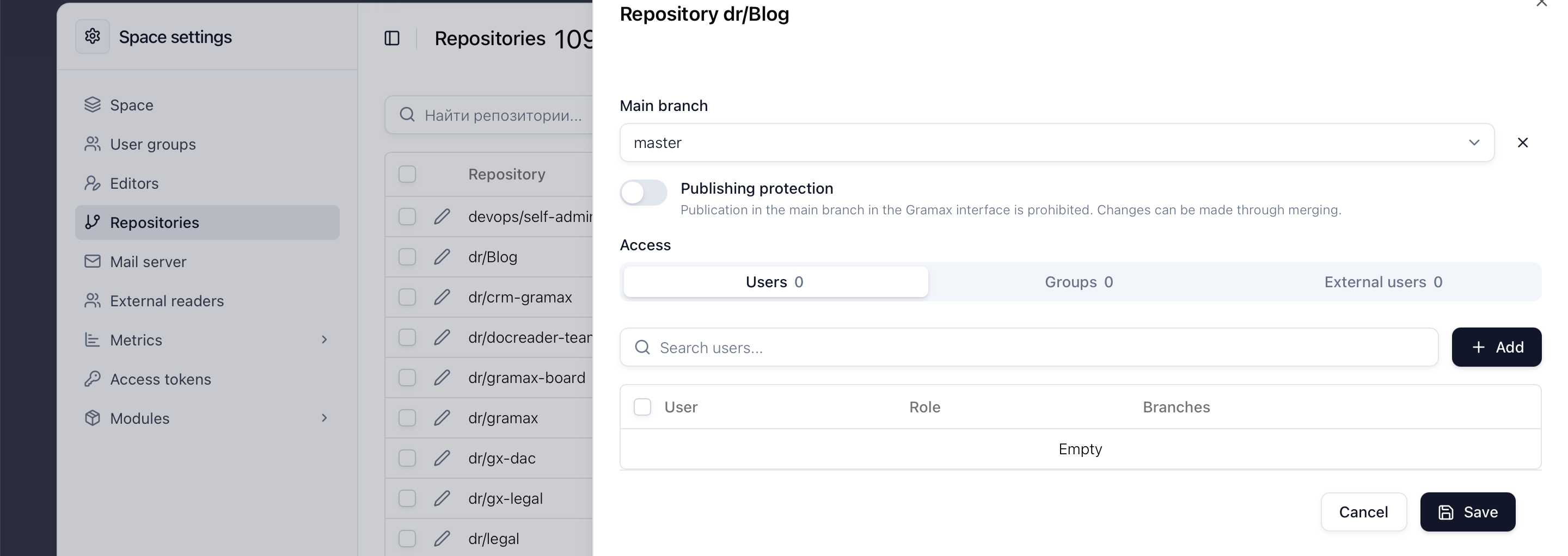
Main branch
The main branch is usually the branch shown on the reading portal, and the one notifications are sent for. It's configured per catalog.
To block direct publishing to the main branch, turn on the Protect from publishing toggle. Changes can then only land through a merge request.
If an editor had already made changes in a branch before it became protected, opening the publish window will offer two options: roll back the changes or create a new branch from it — without leaving editing mode.
DOCX export template
You can configure the template used for article and directory export from Gramax:
Configure the template using this guide.
Add the template to space.