
Files
You can add a file of any format to the article.
Add
There are two ways to add a file:
Click the file icon → in the editing panel and select it from your file system. It will be added with its name displayed. For example: .
Highlight the text you want to attach the file to. Then, click the file icon in the additional panel and select it from your file system. The file will be added, but the name will be hidden. For example: .
View
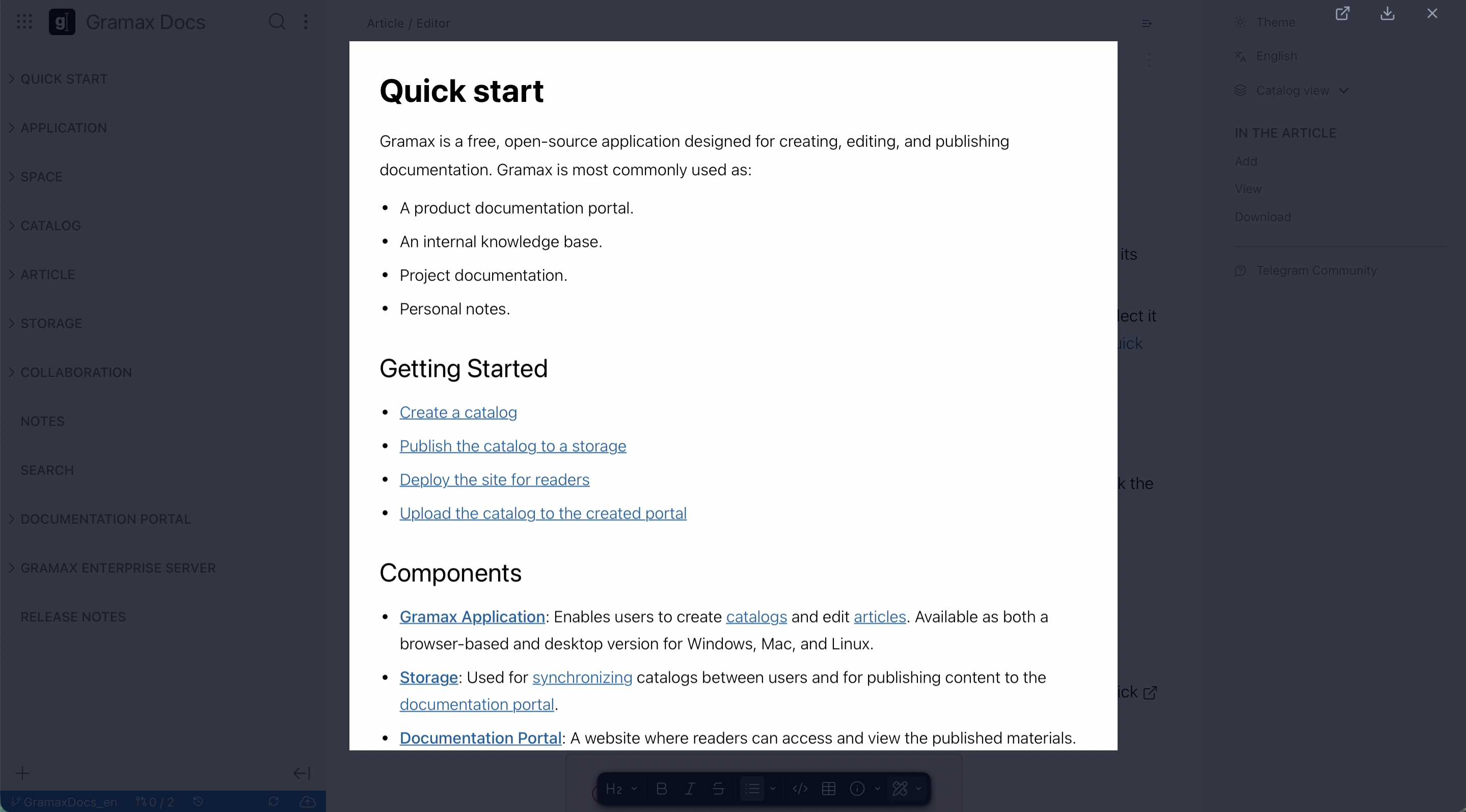
If a DOCX or PDF file has been added to the article, you can preview it without downloading. Simply click the file name in the article.
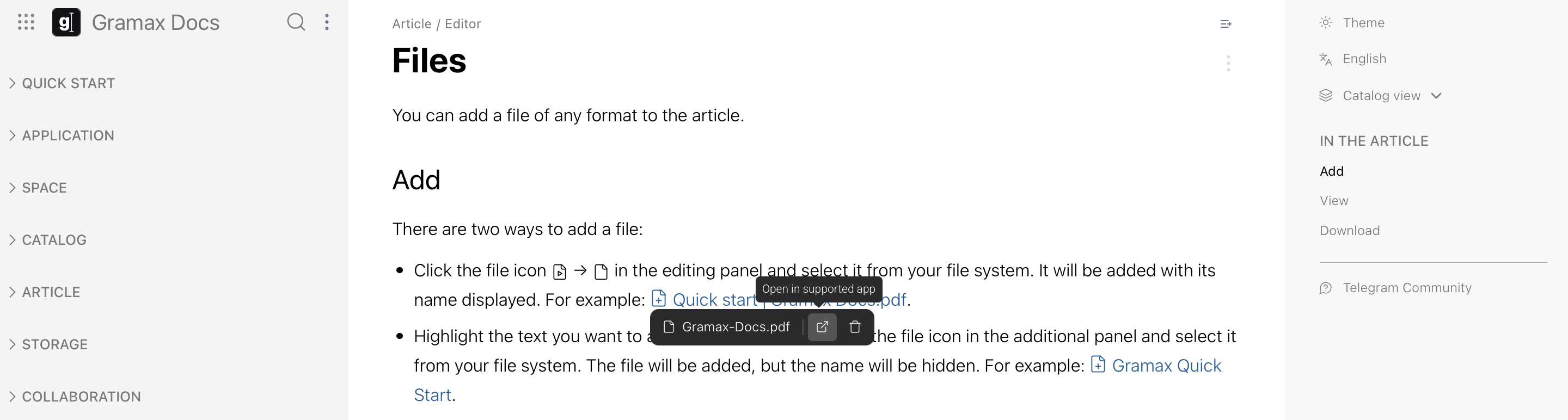
If you are using the desktop version, the file can also be opened in an external application. To do this, click next to the file name.
Download
If preview is supported — click the download icon.
If preview is not supported — the file will download to your computer when you click its name.