
Branches
Branching allows you to create independent local versions of a catalog. You can freely make changes in these local versions, then publish them for peers and merge them with other branches in the catalog.
In the application interface, you can create branches, switch between them, merge, and delete.
The Documentation Portal displays only one main branch. Changes from other branches are not visible to readers.
It is most convenient to make each change in an isolated branch. After approval, you can merge it with the main branch.
Add a Branch
A new branch is created from the current state of the catalog in the branch you are in at the time of creation.
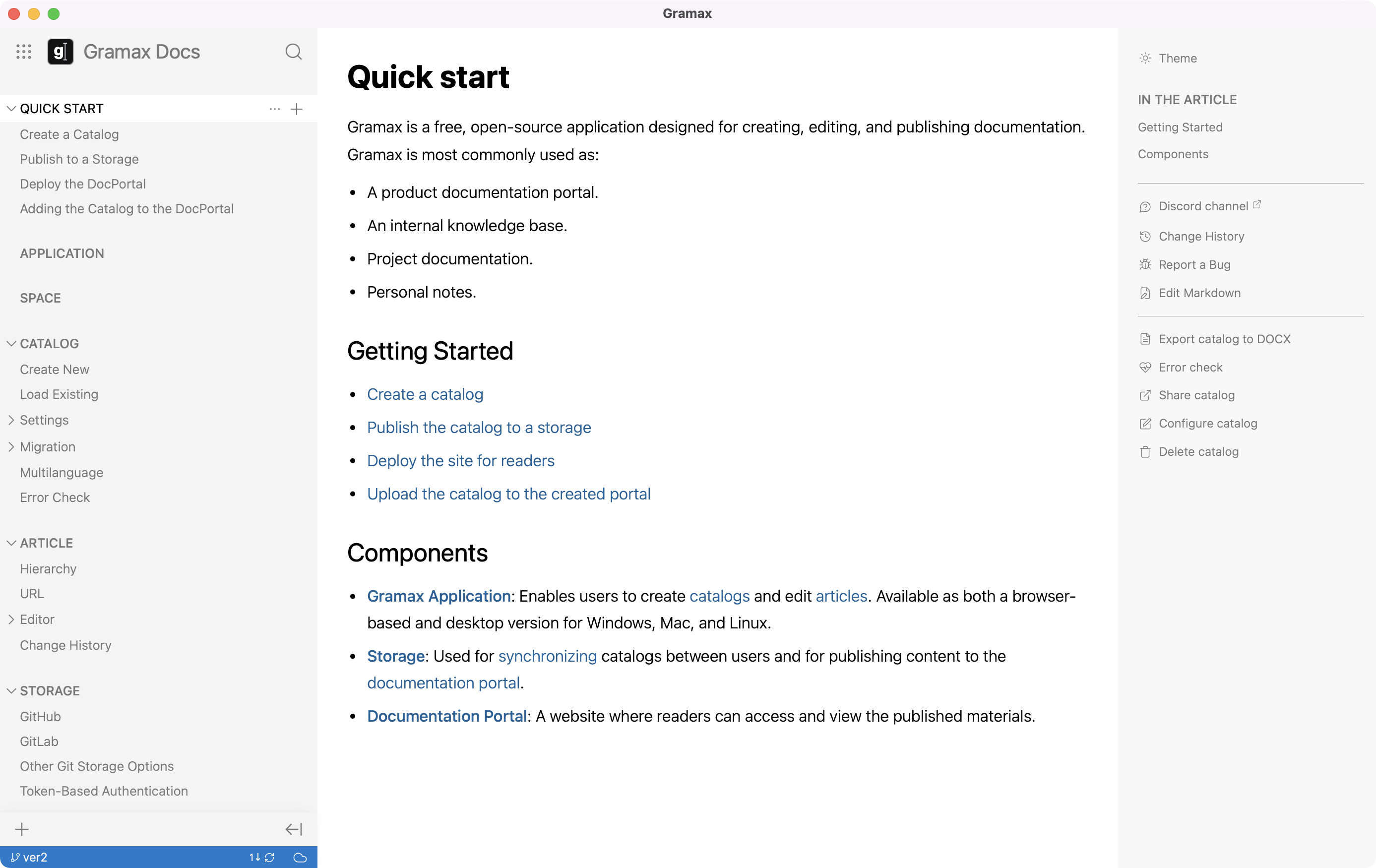
To do this, click on the name of the current branch in the repository status bar. In the window that opens, add a new branch.
The branch will become available to other users when you make the first publication.
Switch Branches
To switch branches, select the one you want to switch to in the branch management window.
If you have unpublished changes in the current branch, they will automatically move when switching to another branch. If you switch back to the original branch, these changes will disappear from the branch you switched to.
To avoid automatic movement of changes between branches, publish them before switching.
Merge Branches
To merge branches, select the branch where you want to publish changes from the current branch. Then click Merge.
When merging, changes from both branches are combined. If there are conflicting changes, Gramax will prompt you to resolve them.
If you delete a branch after merging, it cannot be restored in the Gramax interface.